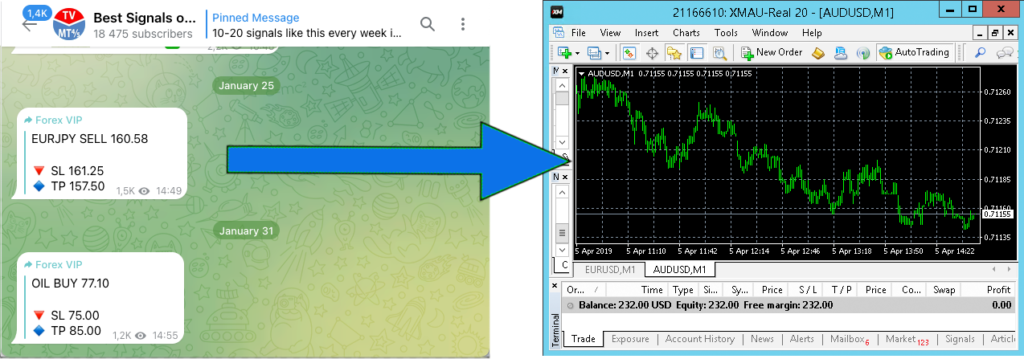
TradingConnector.EXE acts as Telegram-client app. User needs to log in using his Telegram credentials (phone number + code received from Telegram on previously used device). After logging in a channel from users channels list needs to be selected. From this moment all messages which are posted in the channel will be forwarded to MetaTrader for execution as signals/alerts.
Please note that those signals incoming from Telegram channels need to follow TradingConnector’s Alerts Syntax to be properly executed. If they don’t it might be required to use Search & Replace Alerts Modifier to adjust them to required syntax.
Especially (and contrary to alerts coming from TradingView), Telegram messages don’t include a header specifying trading ticker, so tradesymbol= parameter needs to be added (as per instructions on Alerts Syntax page) via Search & Replace Alerts Modifier.
Note: TradingConnector extension still needs to be running in Chrome, as it is providing user authentication and authorisation for the license.