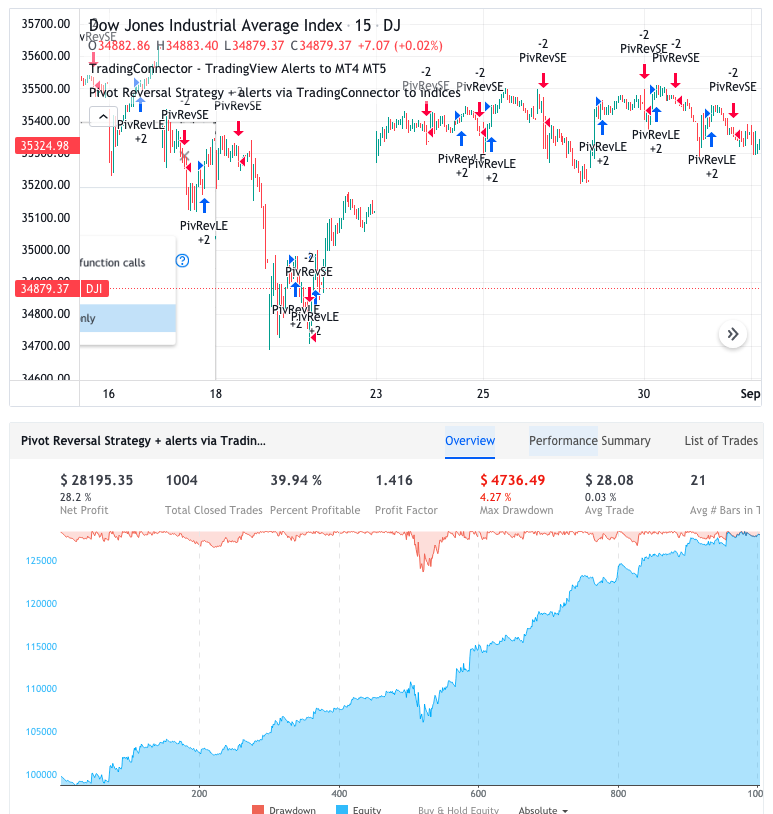
Software part of algotrading is simpler than you think. TradingView+TradingConnector is a great combo to do this actually. Have a look at the examples published on TradingView website. We took example scripts straight from TradingView’s PineScript default list (so-called “built-ins”), added 2 lines of code to each – lines of code responsible for triggering alerts – and that’s all.
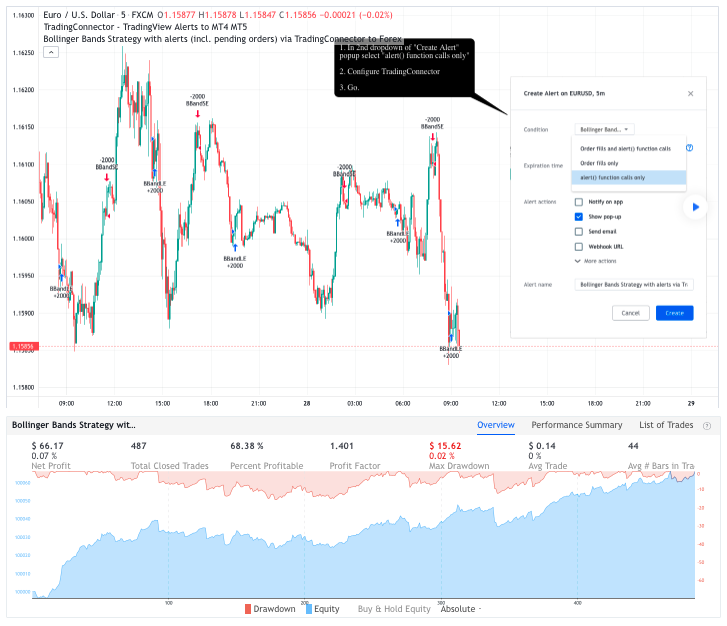
When configuring alert, make sure to select “alert() function calls only” in CreateAlert popup. One alert per ticker is required.
This routing works for Forex, indices, stocks, crypto – anything your broker offers via their MetaTrader4 or 5.
Disclaimer: These concepts are presented for educational purposes only. Profitable results of trading these strategies are not guaranteed even if the backtest suggests so. By no means this post can be considered a trading advice. You trade at your own risk.
If you are thinking to execute any of those presented strategies, make sure to find the instrument, settings and timeframe which you like most. You can do this by your own research only.
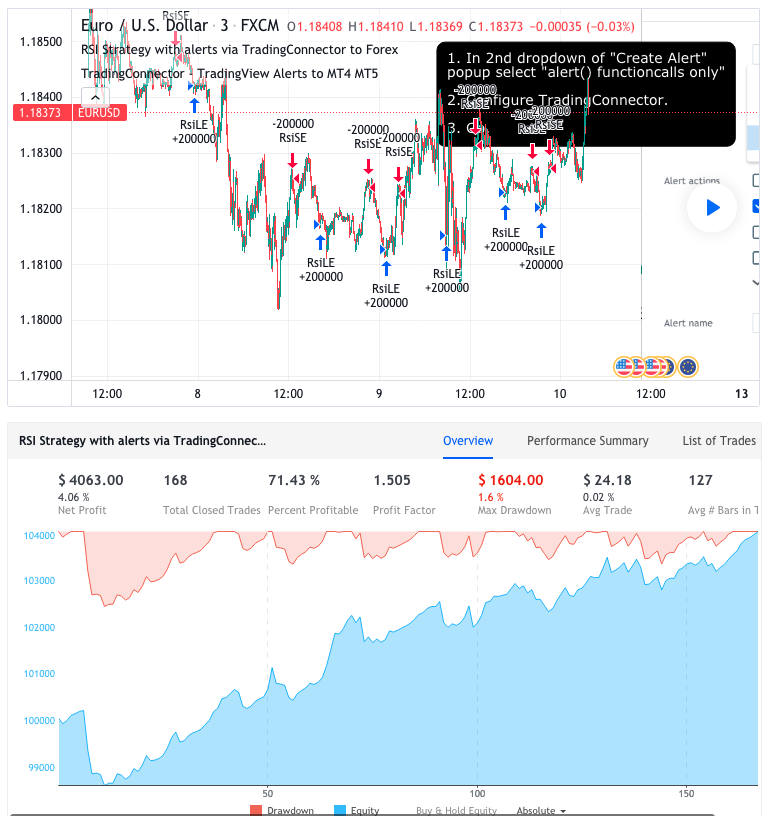
RSI STRATEGY
Entries are made each time when RSI returns from the oversold/overbought areas.
Bollinger Bands Strategy with pending orders (limit orders / stop orders) – example how to code limit/stop orders in PineScript and forward them to MetaTrader for execution.
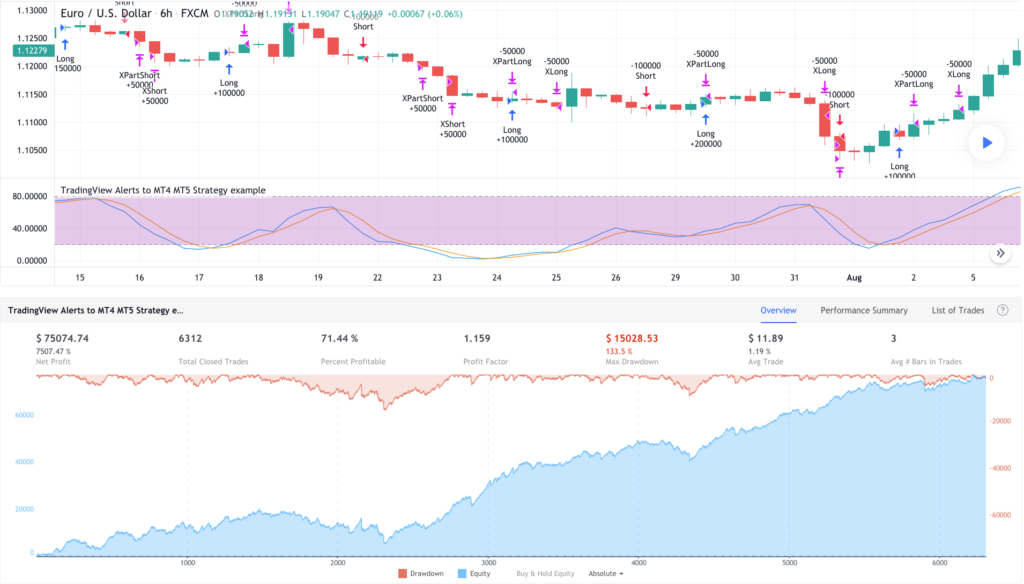
HOW TO FORCE STRATEGIES FIRE EXIT ALERTS NOT REVERSALS
In default and most often used TradingView setup alerts set on strategies using {{strategy.order.action}} fire “buy” on exiting sell positions and “sell” on exiting buy positions. This causes improper entries to trading bots. This post explains how to fix things.